
The Zolan app is a Progressive Web App (PWA), which means you can install it directly from your browser. You do not need the App Store or Google Play Store.
For iPhone
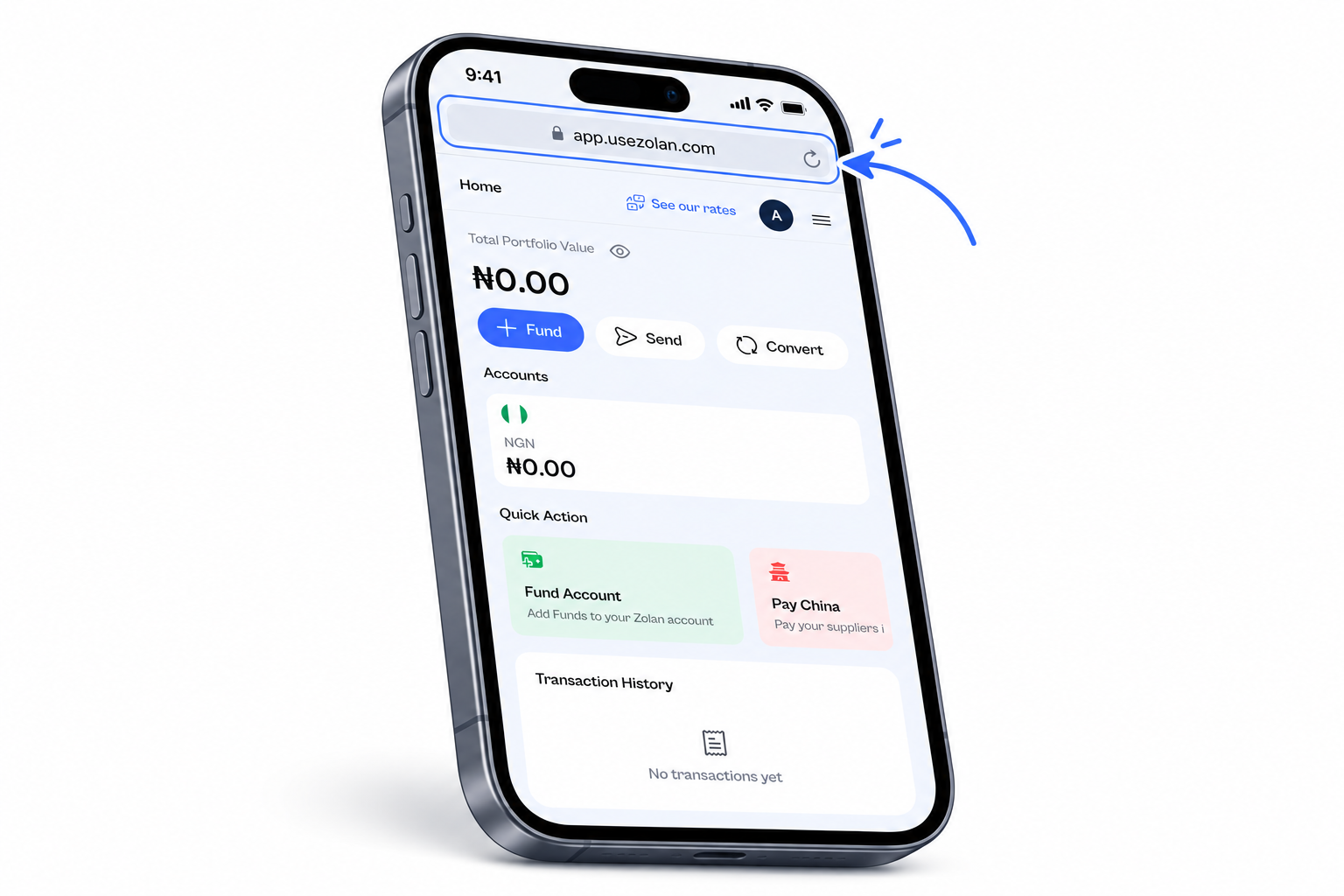
1. Open Zolan
Open Safari on your iPhone and go to the Zolan app, http://app.usezolan.com/.
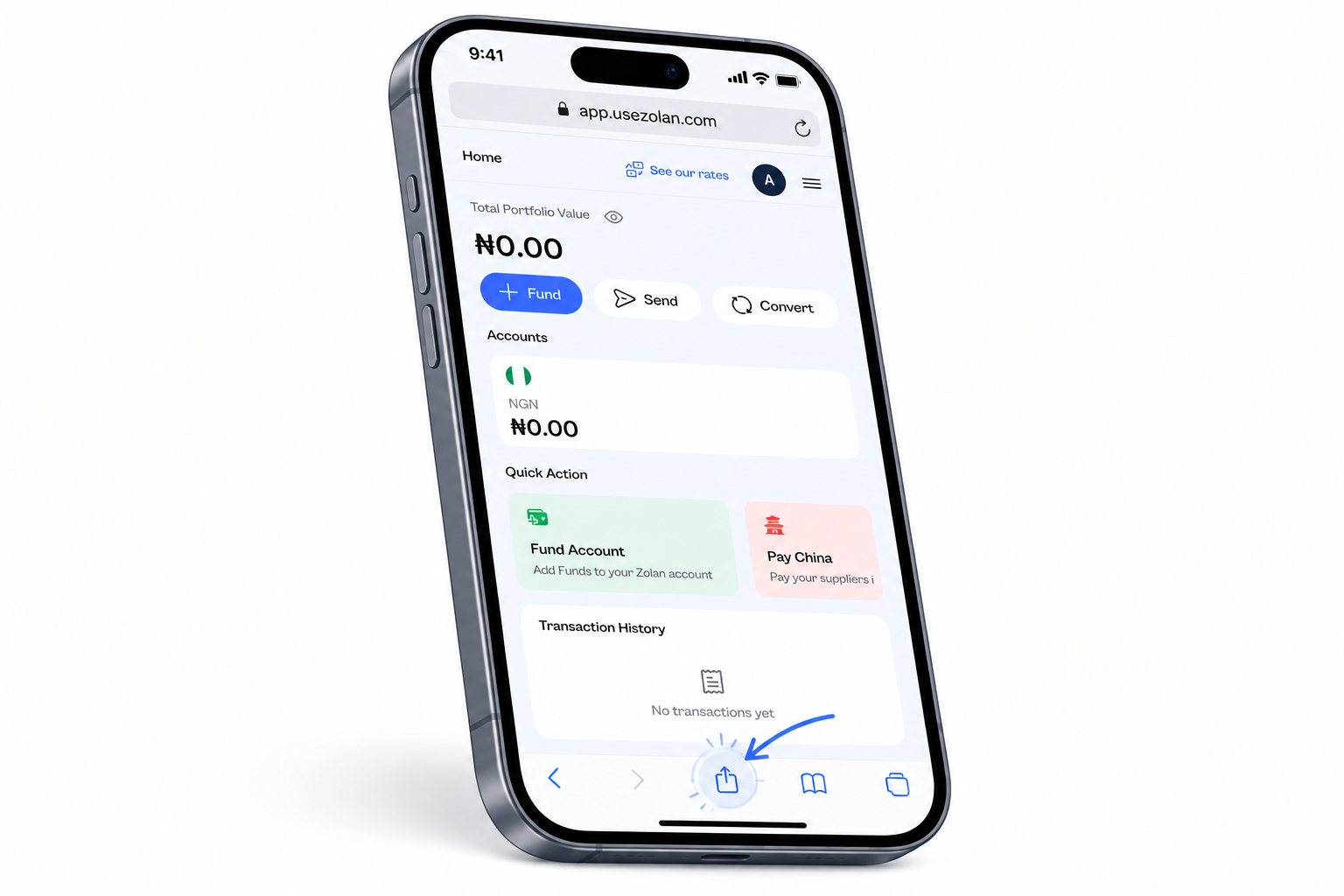
2. Tap the Share button
Tap the Share icon at the bottom of your screen.
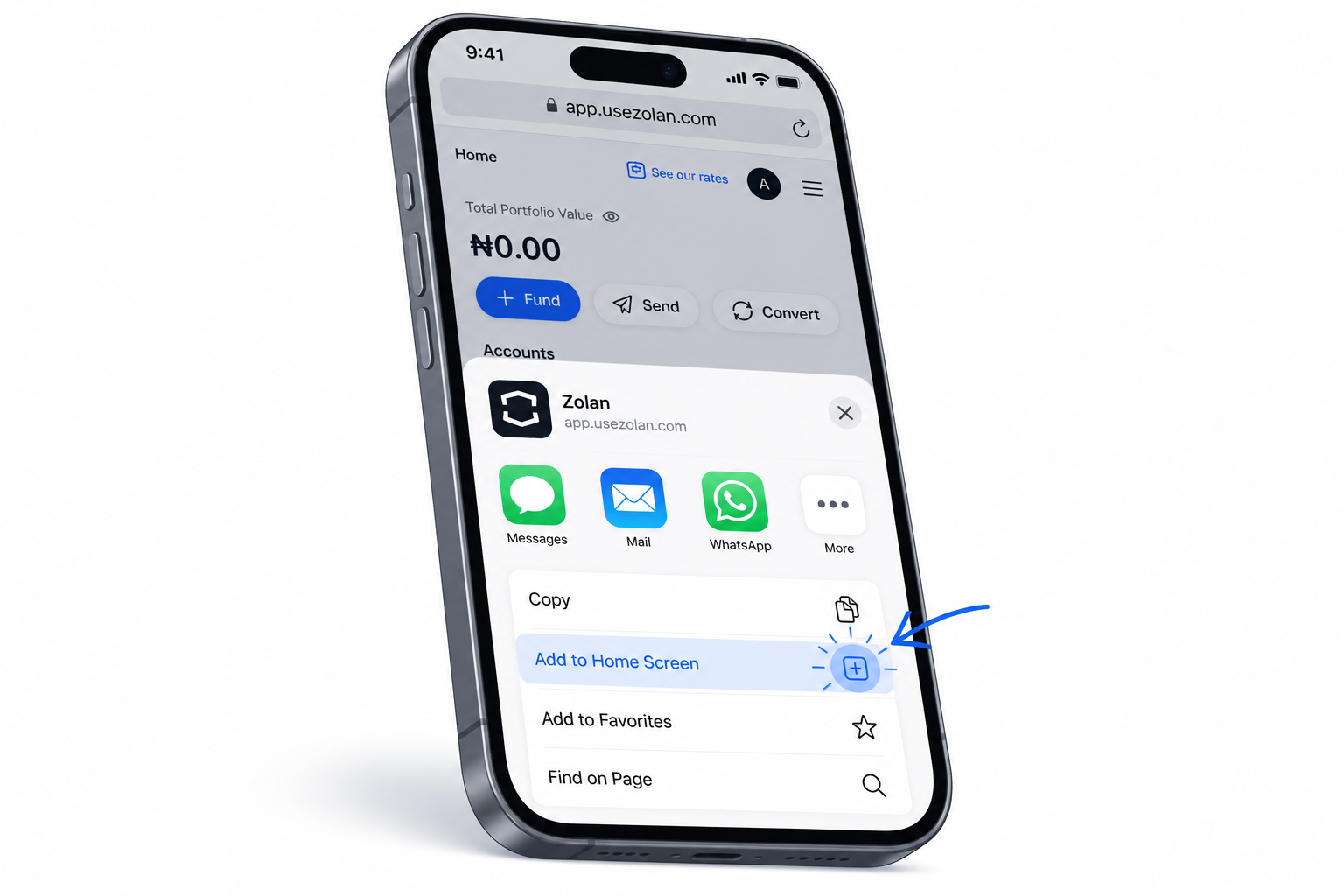
3. Select “Add to Home Screen”
Scroll down and tap Add to Home Screen.
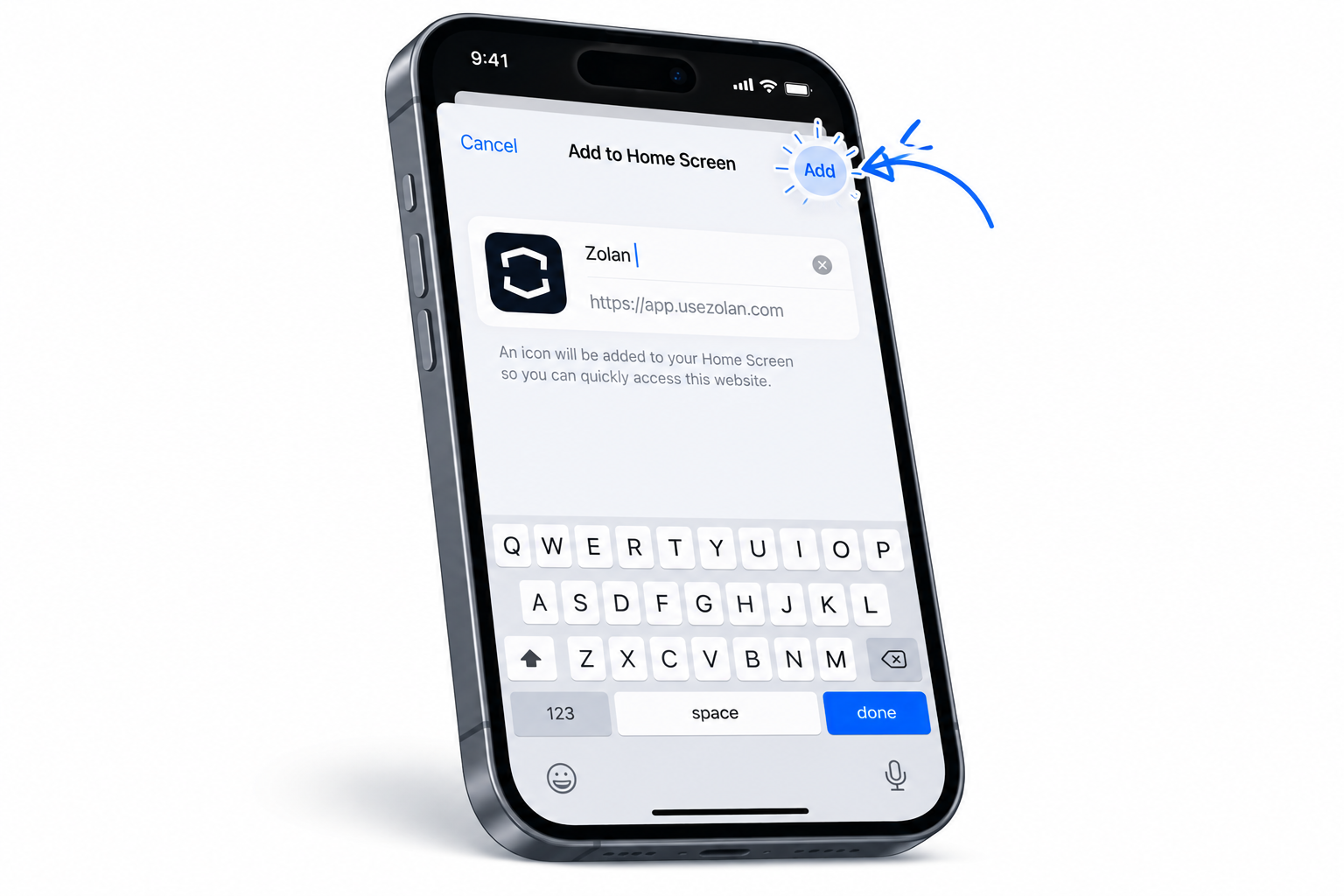
4. Tap “Add”
Tap Add in the top-right corner.
5. Open Zolan
The Zolan icon will now appear on your home screen.
Tap the Zolan icon whenever you want to open the app.
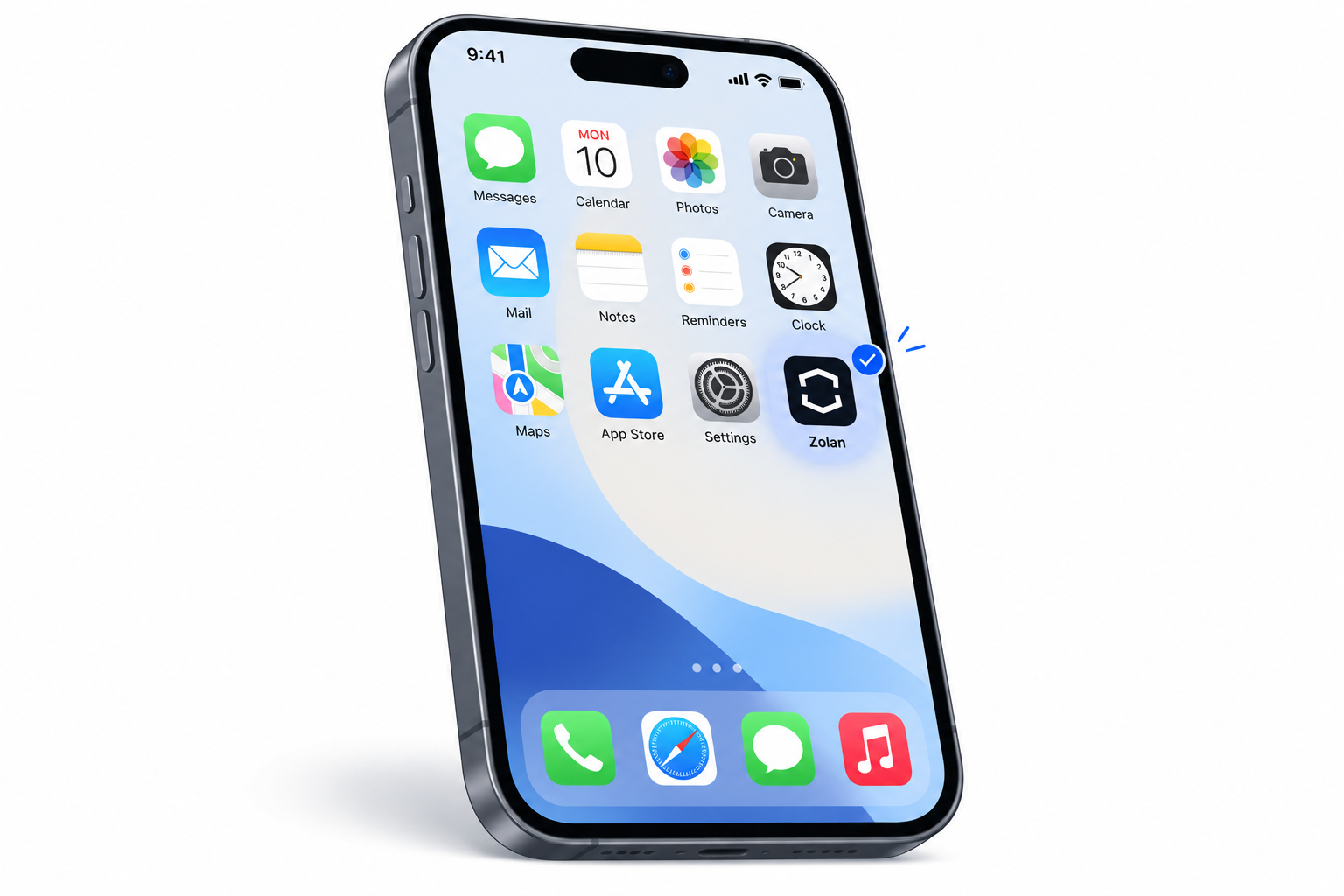
That’s it 🎉
You can now access Zolan directly from your phone, just like a regular app.