
You have heard about Zolan. You know it is faster and cheaper than your bank. Payments are literally processed in minutes. Reliably. Every single time.
Now you want to get started.
This guide walks you through every step, from creating your account to sending your very first payment to your Chinese supplier. The whole process happens on usezolan.com. Let us get right into it.
What You Will Need Before You Start
Before you open the signup page, get these ready. Having them at hand means you can complete your registration without stopping midway.
For account creation:
Your company email address
A password you will remember
Your company’s name
For KYB verification (required before you can send payments):
Your CAC document (Certificate of Incorporation or Business Name Registration)
A utility bill dated within the last three months (electricity, water, or similar)
A valid government issued ID for each director or beneficial owner of the business (National ID card, international passport, or driver's licence)
Memorandum & Articles of Association
📌 Note: KYB is a one-time process. Once your documents are verified and your account is approved, you can send payments anytime without submitting documents again.
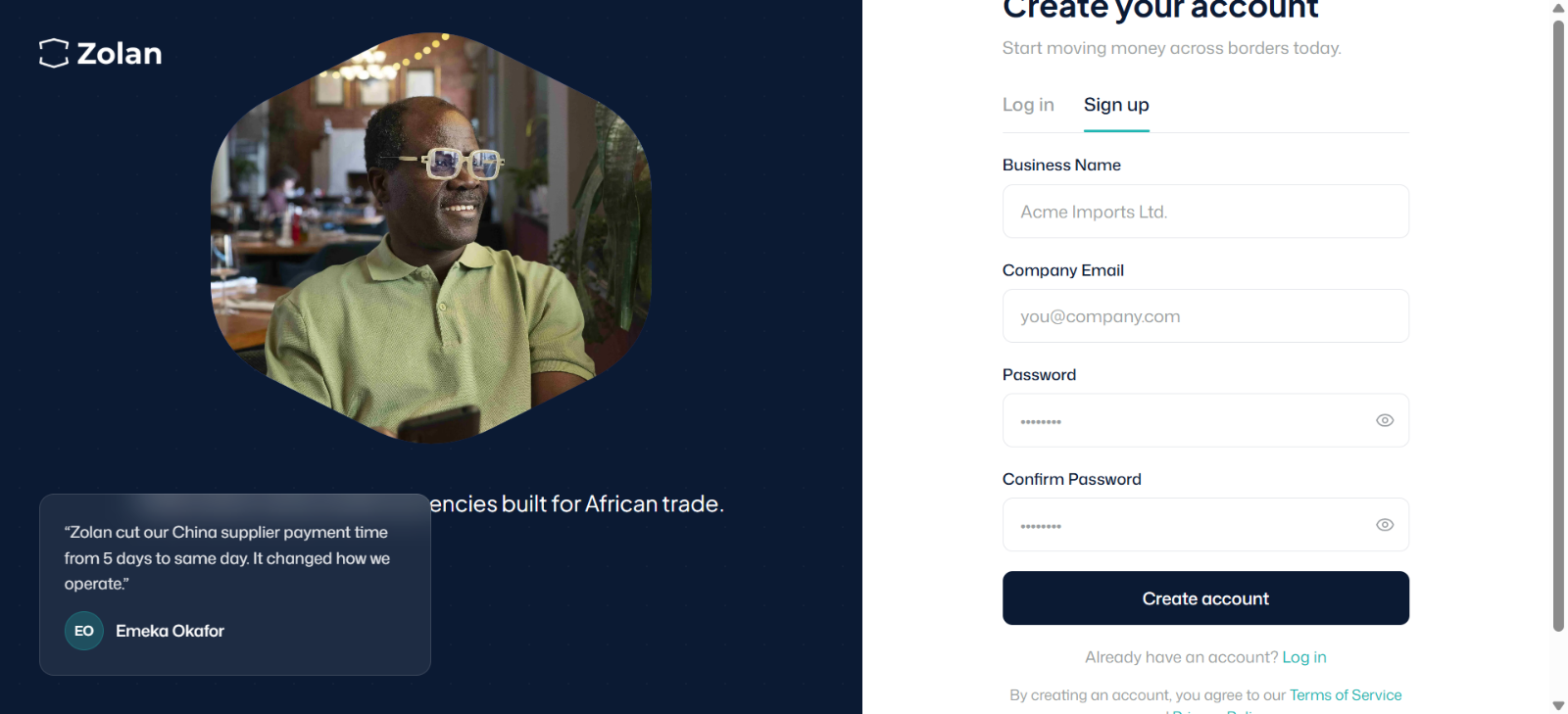
Step 1: Create Your Account
Go to usezolan.com
On the homepage, click the Sign Up button.
You will be asked to provide three things:
Company email address: Use your business email, not a personal one
Password: Choose something secure and save it somewhere safe
Company name: Enter your registered business name exactly as it appears on your CAC document
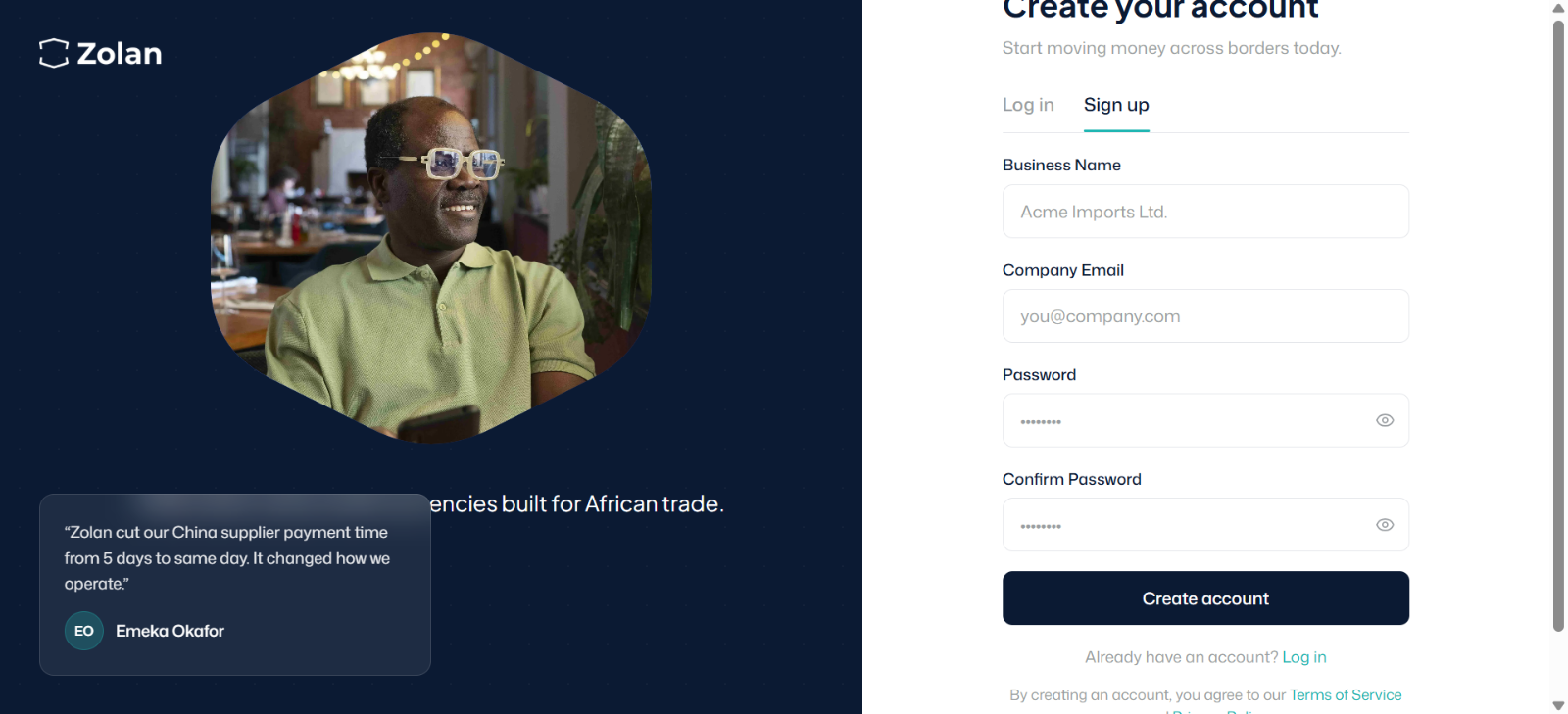
Once you fill in these details, click Create Account.
You will receive a verification email at the address you provided. Open it and click the confirmation link to activate your account
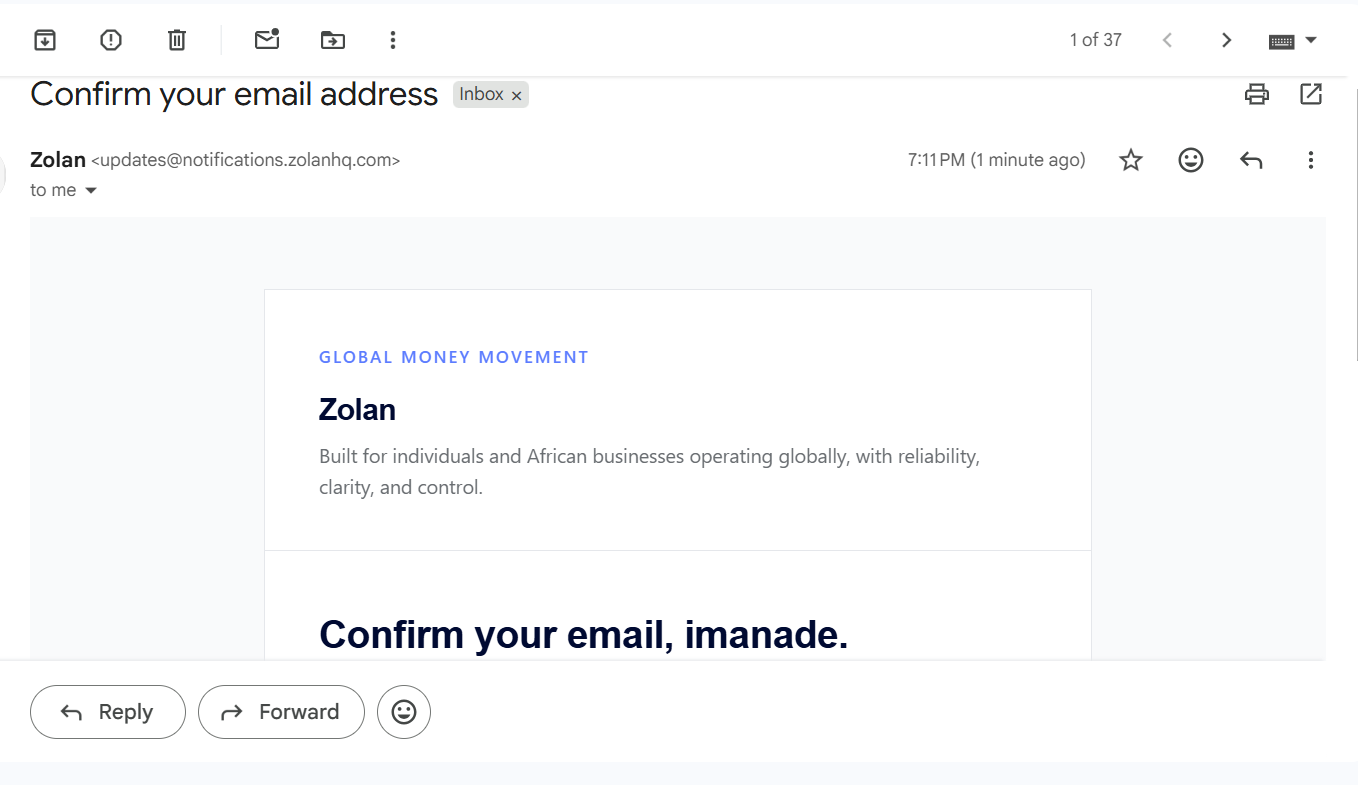
💡 Tip: Check your spam or junk folder if the verification email does not appear within a few minutes.
Step 2: Log In to Your Dashboard
Once your email is verified, you will land on your Zolan dashboard. This is where you will manage all your payments, see your transaction history, and access your account settings.
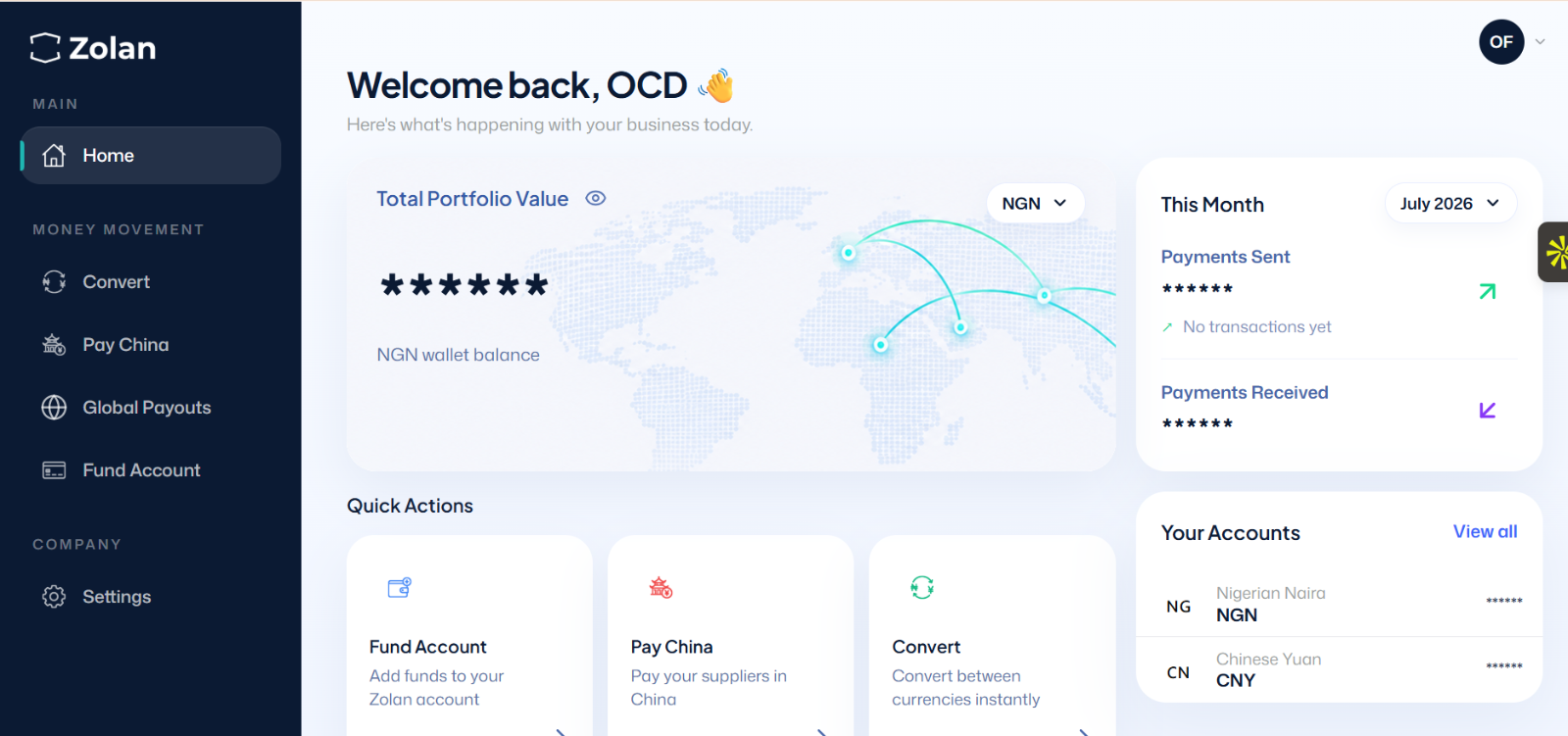
At this point your account exists, but you cannot send payments yet. You need to complete KYB first.
Step 3: Complete Your KYB Verification
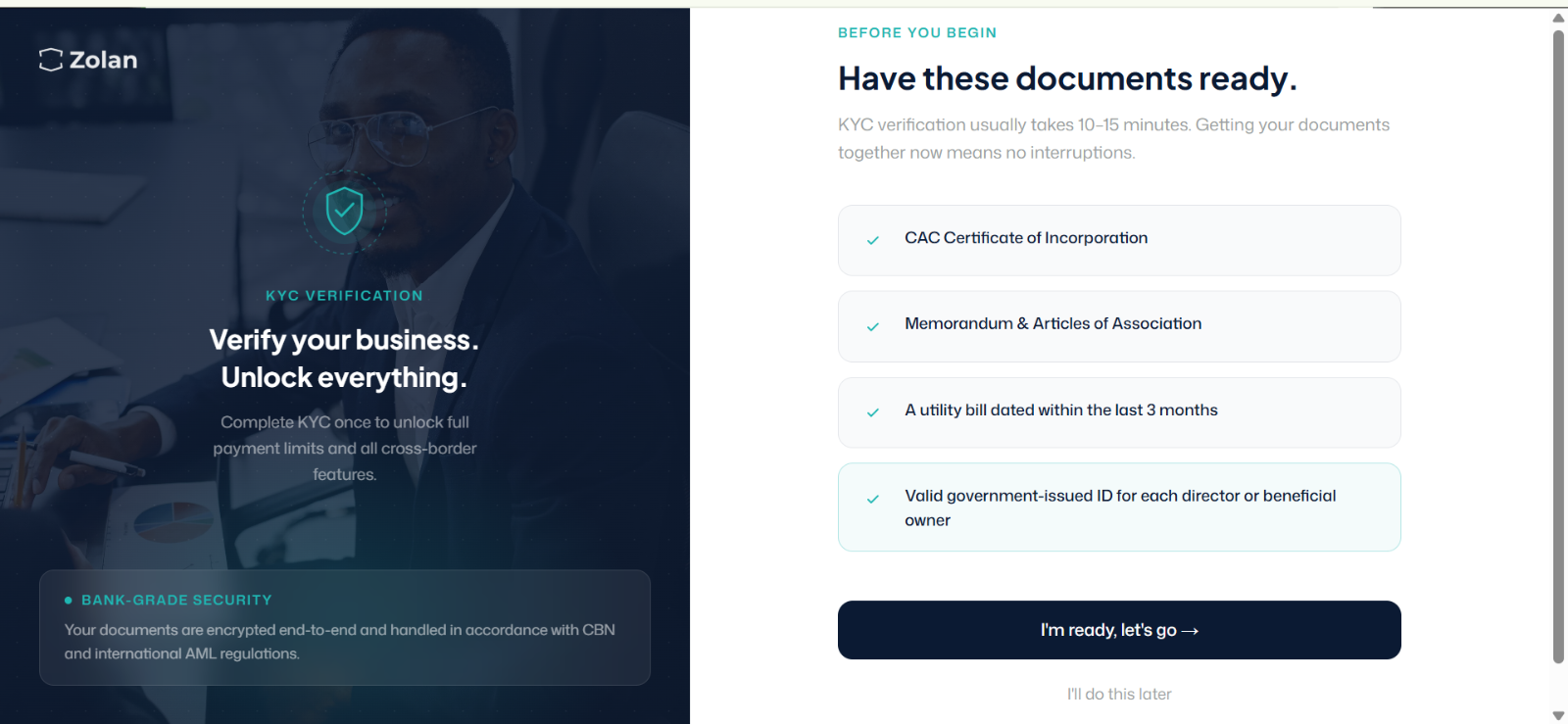
KYB stands for Know Your Business. It is a standard compliance requirement for all financial platforms. Zolan uses it to verify that your business is legitimate before allowing you to send money internationally.
Click on the Verify Account or Complete KYB prompt on your dashboard.
You will be asked to upload the following documents:
Document 1: CAC Certificate
Upload a clear scan or photo of your Certificate of Incorporation (if you are a limited liability company) or your Business Name Registration certificate (if you operate as a sole proprietor or partnership).
Make sure:
The document is fully visible with no cut-off edges
The file is clear and readable
The name on the CAC matches the company name you registered with
Document 2: Utility Bill
Upload a utility bill (electricity, water, or any government issued bill) dated within the last three months. This confirms your business address.
Make sure:
The bill is dated within the last 3 months
The address on the bill matches your business address
The bill is clear and fully visible
Document 3: Director or Beneficial Owner ID
For each director or beneficial owner of the business, upload a valid government issued ID. Accepted IDs include:
National Identity Card (NIN slip or card)
International passport (photo page)
Driver's licence
Document 4: Memorandum and Articles of Association (MEMART)
Upload your company's Memorandum and Articles of Association. This document outlines your company's structure, purpose, and the rules governing how it operates. It is issued at the time of incorporation and is part of your CAC registration documents.
Make sure:
The document is the original or a certified true copy
It is fully legible with no missing pages
The company name on the MEMART matches the name you registered with on Zolan
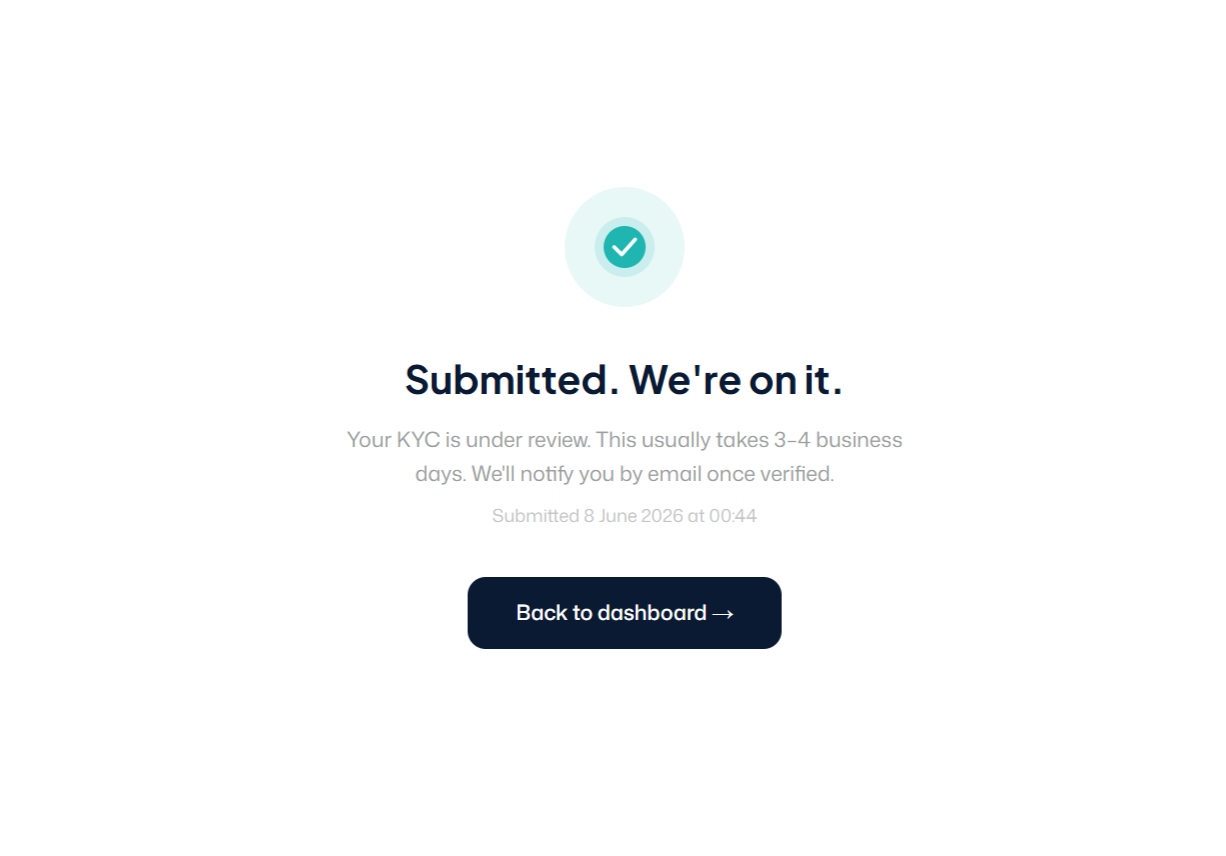
Once all documents are uploaded, click Submit for Review.
📌 What happens next: The Zolan compliance team will review your documents. You will receive an email notification once your account is approved. This typically takes three to four business days.
Step 4: Fund Your Wallet
Once your KYC is approved, you will see your Zolan wallet on your dashboard. Before you can send a payment, you need to add funds.
Click Fund Wallet and you will see your unique Zolan account details, a bank account number you can transfer naira into from any Nigerian bank.
Make a transfer from your bank to your Zolan wallet the same way you would transfer to any Nigerian account. Once the transfer is confirmed, your naira balance will reflect in your Zolan dashboard.
💡 Tip: Fund your wallet with slightly more than the exact amount you want to send. Exchange rates shift slightly between the time you fund and the time you confirm your transfer.
Step 5: Send Your First Payment to China
Now the part you came for. Click Send Payment or New Transfer on your dashboard.
You will be guided through the following:
5a: Choose Your Currency
Select whether you are sending in CNY (Chinese Yuan) or USD (US Dollars). Confirm with your supplier which currency they prefer before this step.
5b: Enter Your Supplier's Details
Fill in your supplier's payment details:
Supplier or company name
Bank name
Bank account number
⚠️ Important: Double-check every detail before you proceed. An incorrect account number or SWIFT code can delay your transfer or cause it to be returned.
5c: Enter the Amount
Enter how much you want to send. Zolan will show you:
The live exchange rate for your transfer
The transfer fee
The exact amount your supplier will receive
You see everything upfront before you confirm. No hidden charges.
5d: Review and Confirm
Review all the details one final time:
Supplier name and bank details
Amount being sent
Exchange rate
Fee
Total amount being debited from your wallet
If everything looks correct, click Confirm and Send.
Step 6: Track Your Payment
After confirming, you will be taken to a payment status screen. You can track the progress of your transfer in real time from your dashboard.
You will also receive email updates as your payment moves through the system.
Once your supplier confirms receipt, your job is done.
💡 Tip: Share your payment confirmation with your supplier immediately after sending. It reassures them that the money is on the way and keeps your relationship strong.
Summary: The Full Process at a Glance
Create your account at usezolan.com
Verify your email and log in
Upload your CAC, MEMART, utility bill, and director IDs for KYC
Wait for KYC approval (typically done in less than 24hours)
Fund your naira wallet
Enter your supplier's details and the amount
Review the rate and fee, then confirm
Track your payment and share confirmation with your supplier
Frequently Asked Questions
How long does KYC approval take? Typically three to four business days. You will receive an email notification as soon as your account is approved.
Can I save my supplier's details for future transfers? Yes. Once you add a supplier, their details are saved on your dashboard so you do not have to re-enter them for the next payment.
What if my KYC documents are rejected? You will receive a notification explaining what needs to be corrected. Simply re-upload the correct document and resubmit.
Is there a minimum or maximum transfer amount? Yes there is. Contact the Zolan support team for current limits specific to your account type.
What if I need help during the process? Zolan's support team is available to help. You can reach them via the platform or on WhatsApp.
You Are Ready!
That is everything. Creating a Zolan account takes minutes. Once your KYC is approved, you can send your first payment to your Chinese supplier the same day, with a better rate than your bank and full visibility into where your money is at every step.
Create your account now at usezolan.com